Home fibre
Note: An LLM was not used in writing this article.
When a Cat6 cable does the job, but I want fibre optic anyway
Table of Contents
Why
I’ve got an ethernet port by my TV, and my desk is on the other side of the room. WiFi is fine, but I want to be cabled to take full advantage of my gigabit internet.
My home is a newbuild, so I don’t feel like fishing through stud walls. I discovered that these days fibre optic is well within hobby price range, and you can get a magical InvisiLight EZ-Bend fibre cable that can bend around sharp corners and lose no signal. They look invisible to a casual glance when ran on the edges of walls. I took it as an opportunity to have fun with simple hardware!
As of June 2nd 2026, I’m still waiting for the EZ-Bend cable to arrive, but I’ve done a test with the rest of the setup.
Things I learned
You need to understand this if you’re buying.
- Fibre optic has modes (which comes from optical modes):
- Single-mode means the glass tube through which light is emitted is very tiny. Something like 8-10μm. It requires a laser, it’s more expensive, and the alignment has to be very precise. Its distances before attenuation are measured in kilometers.
- Multi-mode has a really big core diameter. You can use LED or other emitters, the light attenuates quicker (under half a km), but it’s cheaper. The wavelengths used are also different.
- A patch cable may contain one or two or more fibres.
- Single fibre, you’ll need two of these cables then if you’re emitting only in one direction.
- Duplex cable, contains two fibres, one for TX, one for RX.
- And media converters accept either TX/RX (transmit/receive) ports, where you might have one TX fibre and one RX fibre.
- Scenarios: Duplex vs half-duplex vs simplex:
- Full duplex: two fibres, one TX, one RX.
- Half duplex: you have one fibre, but take turns TX’ing and RX’ing.
- Simplex: one fibre, but sending concurrently via BiDi (separate TX/RX wavelengths via WDM).
- Fibre cables have a variety of connectors:
- SC (standard connector), it’s bigger.
- SC UPC - domed glass.
- SC APC - angled glass.
- LC APC/UPC - it’s smaller, and has a different clasp like an RJ45 connector.
- None of these are compatible, but you can buy all the combinations of patch cables that have X on one end and Y on the other end, which is what I did.
- See the pictures!
- SC (standard connector), it’s bigger.
My setup is: a single mode, single fibre, simplex, bidirectional (WDM). The main fibre is SC APC, but my media converters are on LC UPC and SC UPC. One media converter transmits data at 1310 nm wavelength and receives data at 1550 nm wavelength, and the other media converter has the transmit/receive flipped.
Components
The setup comprises the following components.
The fibre optic patch cable
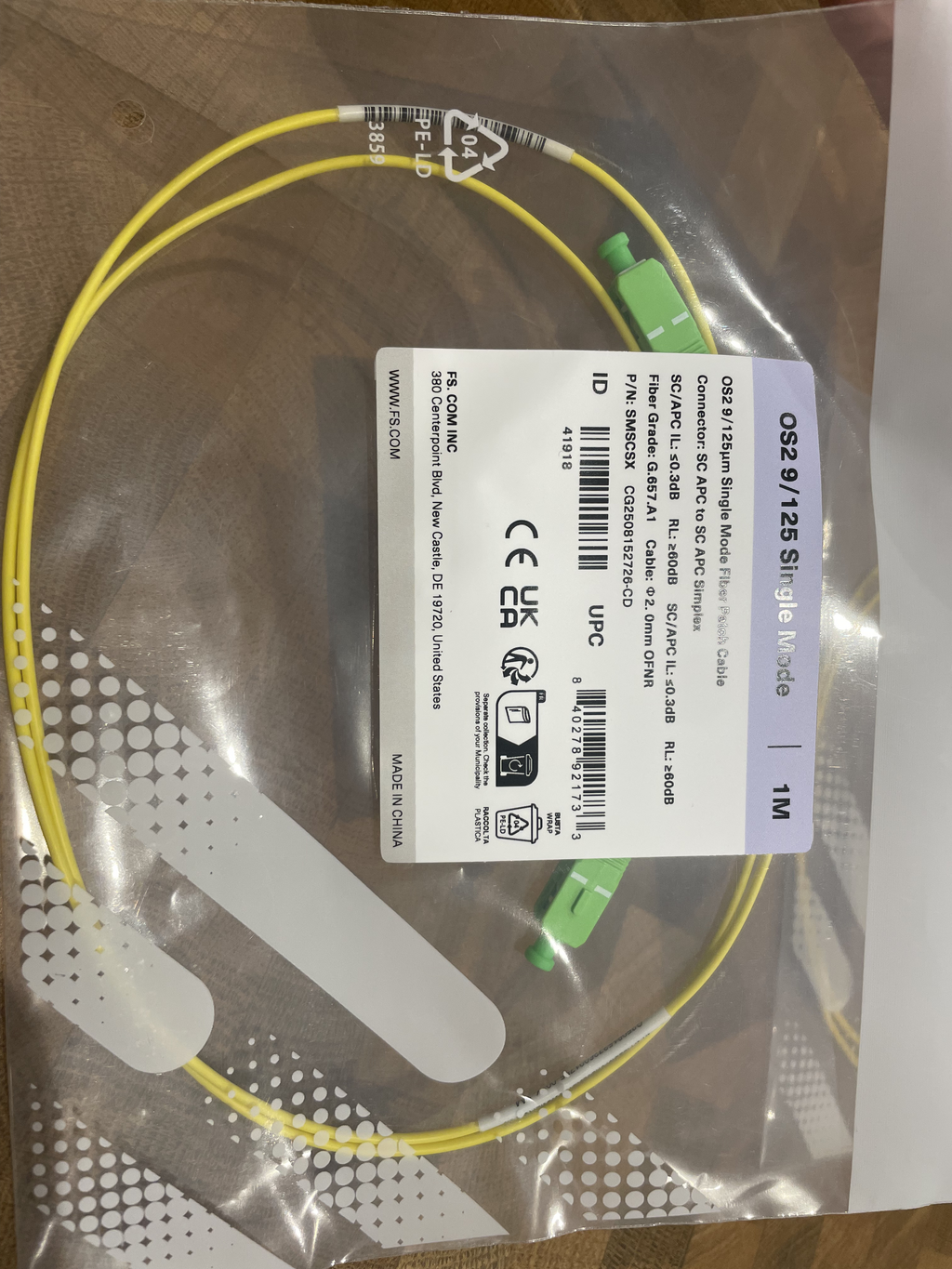
I ordered the real InvisiLight EZ-Bend and a 1m yellow test cable.
- The real thing: InvisiLight® EZ-Bend™ Indoor
Jumpers, 20m, SC APC, white, Single Mode
- This 3mm cable is capable of 2.5mm bend radius, is easy to run along a wall and around corners.
- Still waiting for delivery, estimated 4 weeks.
- The test cable: 1m (3ft) Fiber Patch Cable, 1
Fiber, SC APC Simplex to SC APC Simplex, Single Mode (OS2), Riser
(OFNR), 2.0mm, Tight-Buffered, Yellow
- For testing, equivalent to the EZ-Bend one.
- Arrived, delivered promptly by fs.com.
Side B
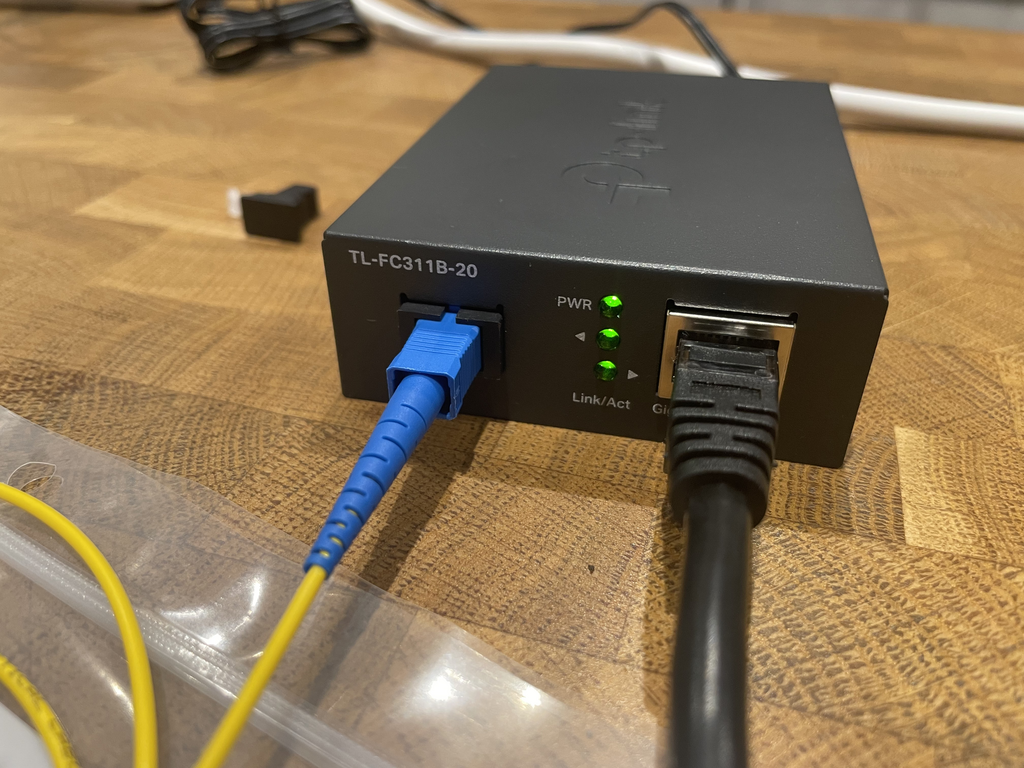
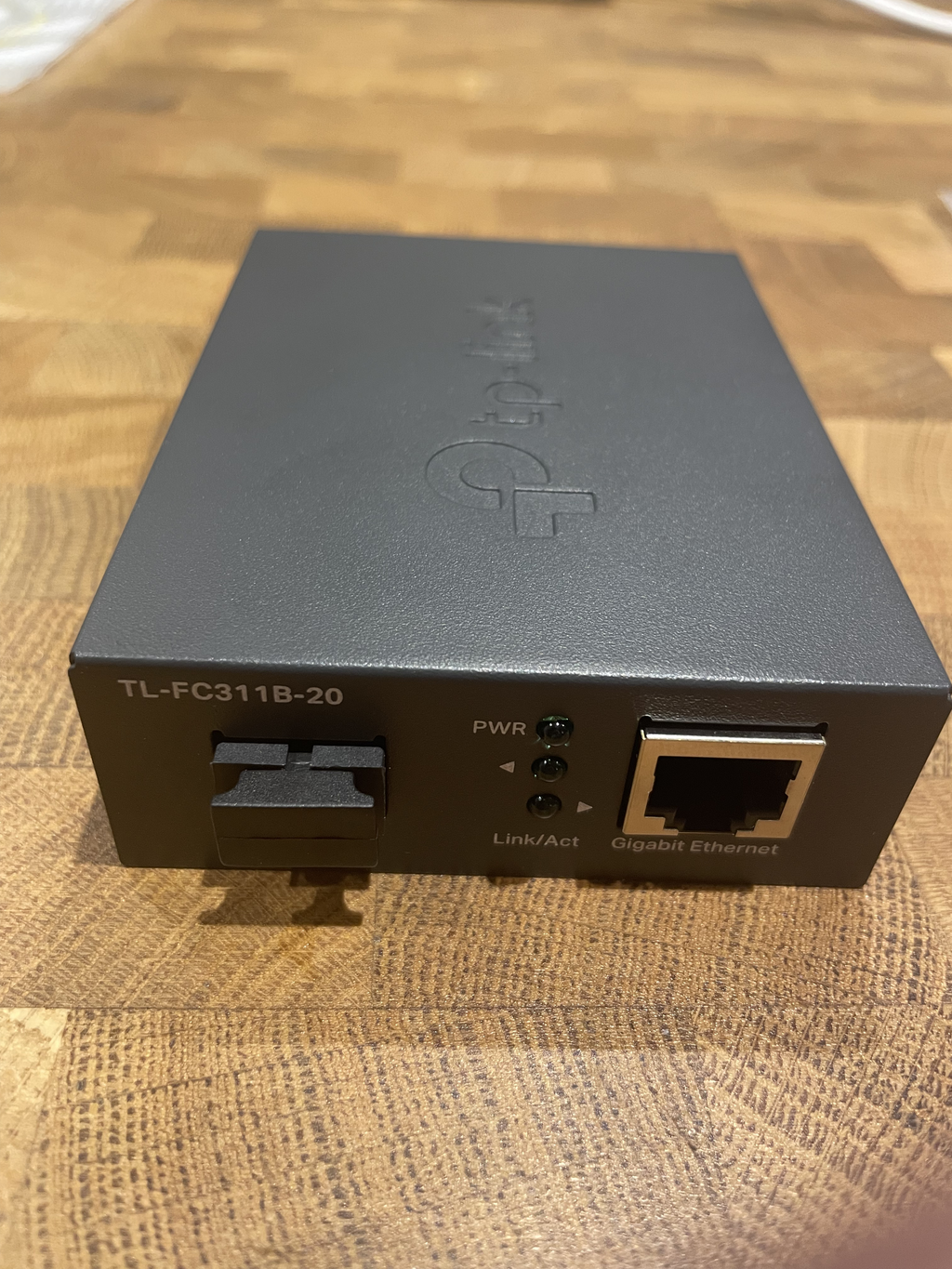
This was my first choice for simplicity; grab an off the shelf TP Link that has fibre in and eth in and you’re good.
- TP-Link Gigabit WDM Media Converter, Auto-negotiation, TL-FC311B-20
- transmits data at 1310 nm wavelength and receives data at 1550 nm wavelength
- Arrived, from Amazon.
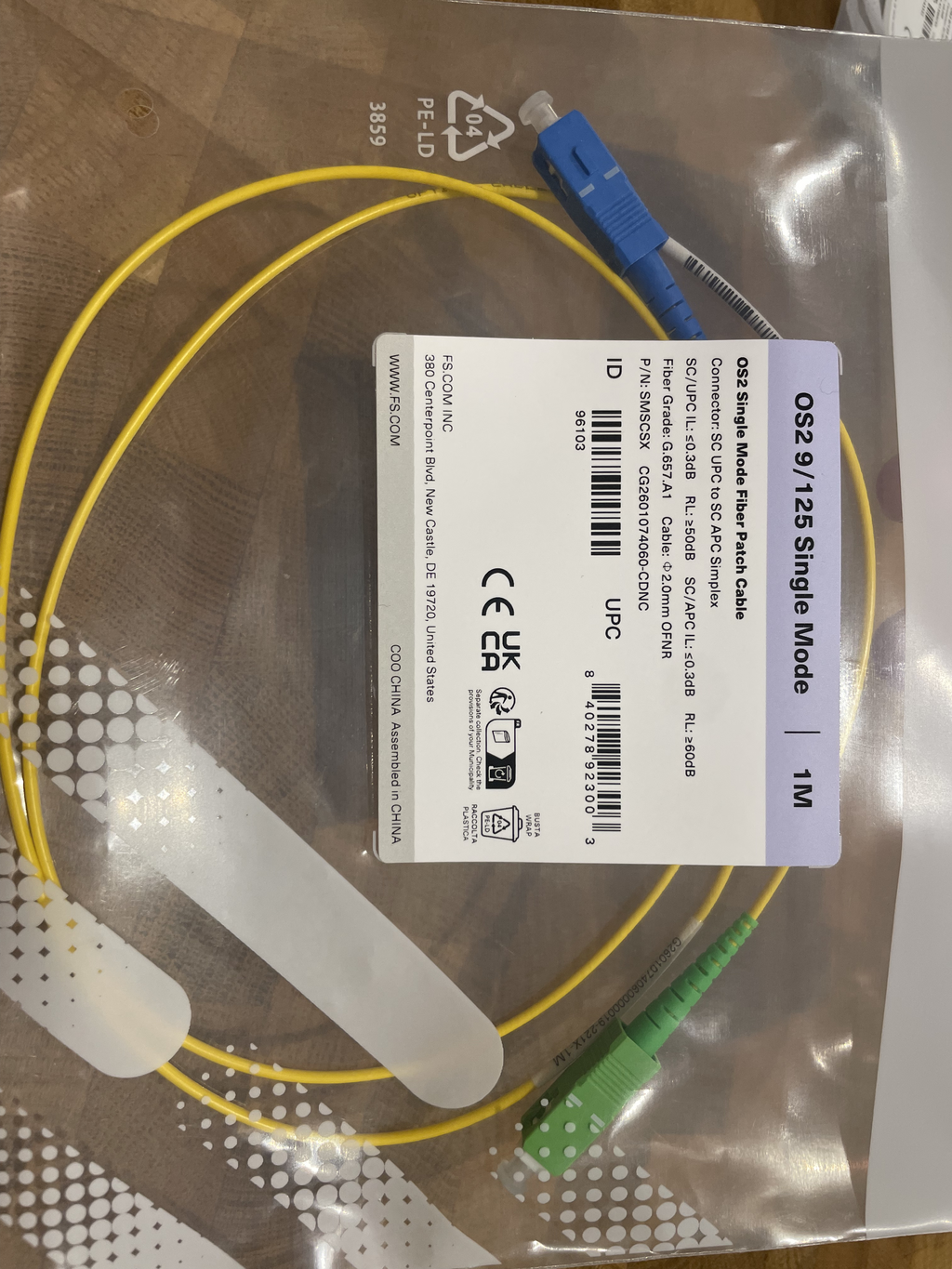
- 1x: 1m (3ft) Fiber Patch Cable, 1 Fiber, SC UPC Simplex to SC APC
Simplex, Single Mode (OS2), Riser (OFNR), 2.0mm, Tight-Buffered, Yellow
- Arrived, delivered promptly by fs.com.
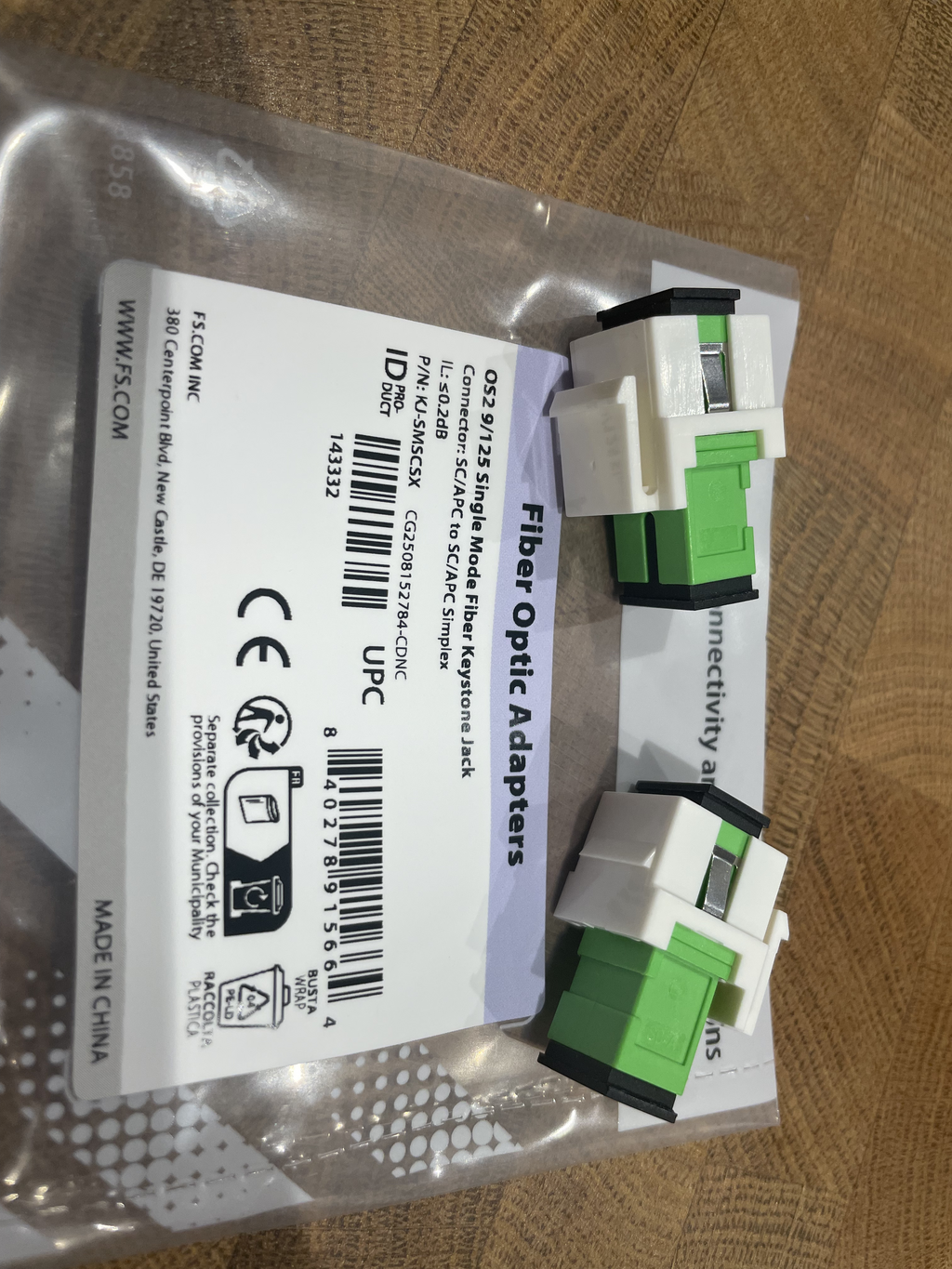
- 1x: SC/APC to SC/APC Simplex Single Mode Fiber Keystone Jack
- Arrived, delivered promptly by fs.com.
I attempted to order the corresponding TL-FC311A-20 (note the ‘A’) unit, but:
- Ordered from Amazon. Delayed. Amazon. I cancelled.
- Ordered from Scan. Delayed. I cancelled.
- Ordered from Converge Technology Solutions. They cancelled due to no stock despite claiming a few in stock.
These suppliers are a bit fast and loose with their stock inventory.
Side A
After my experience trying to source the ‘A’ part for the TP Link media converter, I decided that since I had such a good experience with fs.com, that I’d just ordered everything from there.
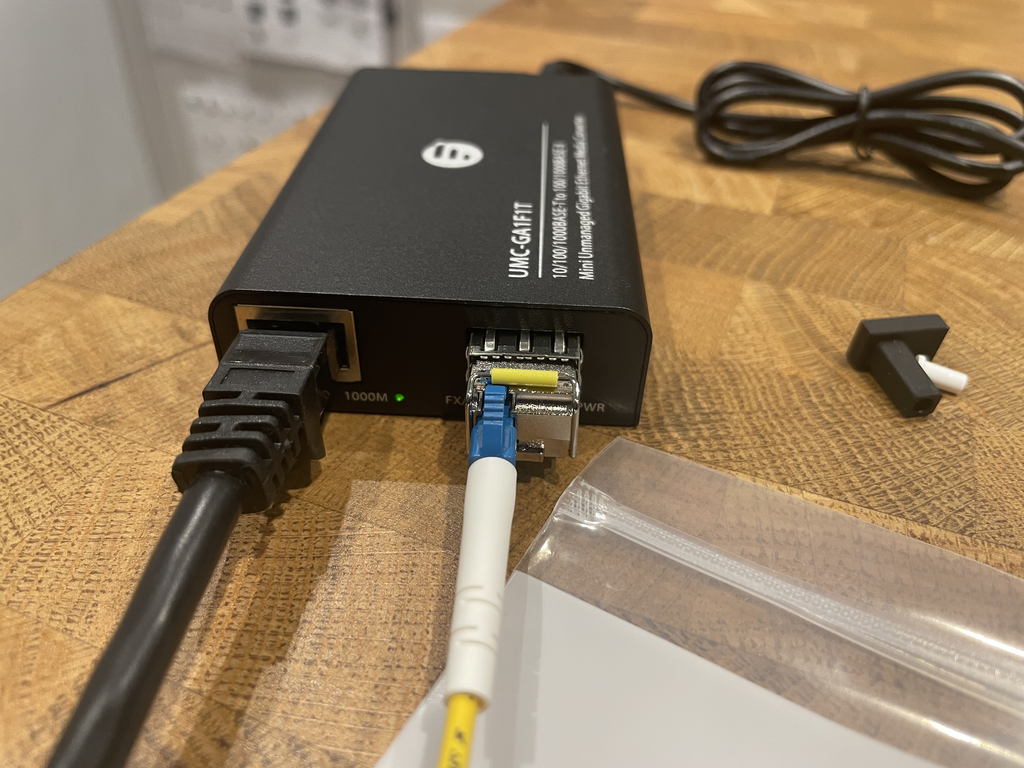
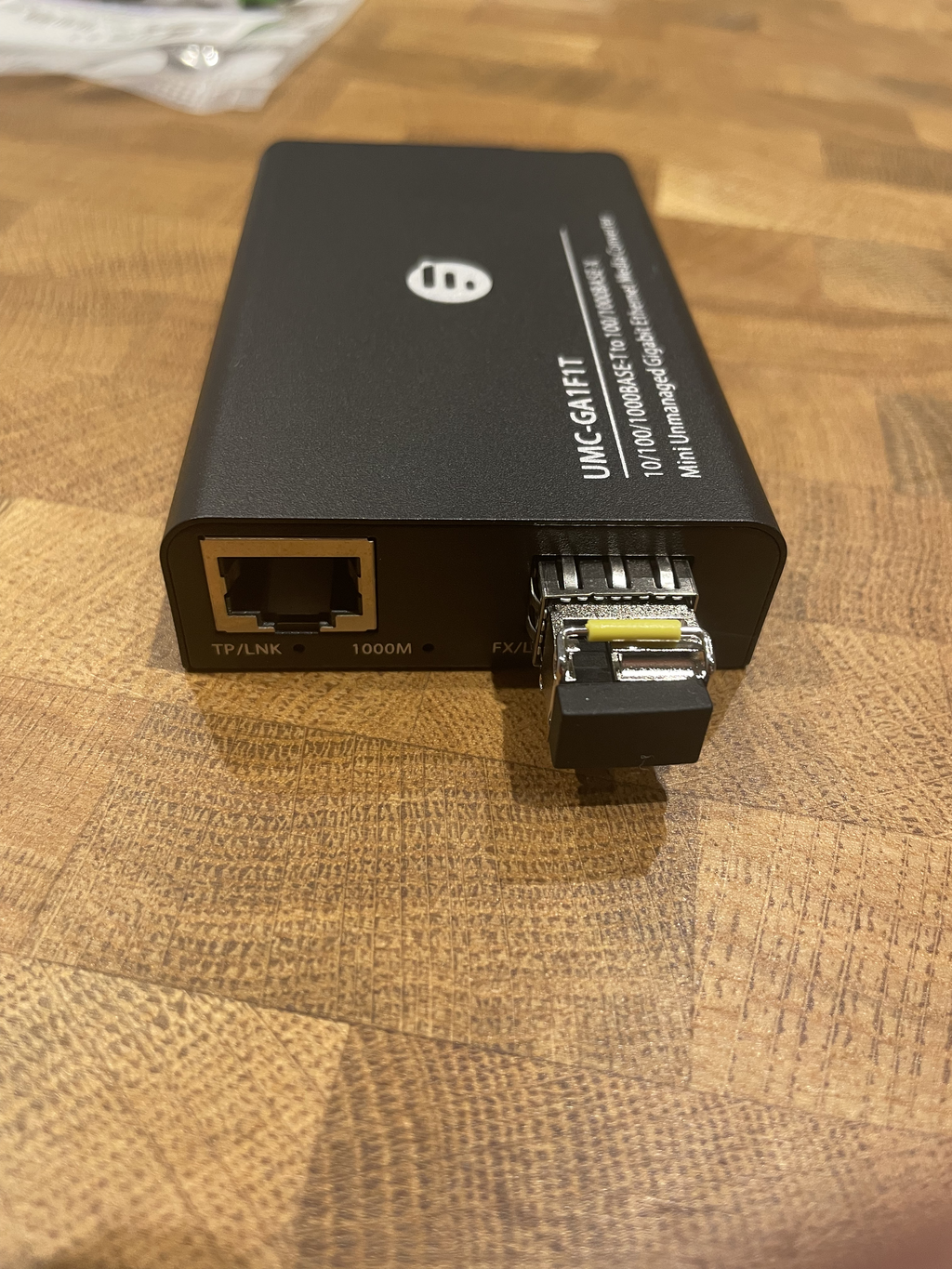
I got an SFP media converter and module.
1000BASE-BX-D SFP BiDi 1550nm-TX/1310nm-RX 20km Simplex LC/UPC SMF Transceiver Module for FS Switches
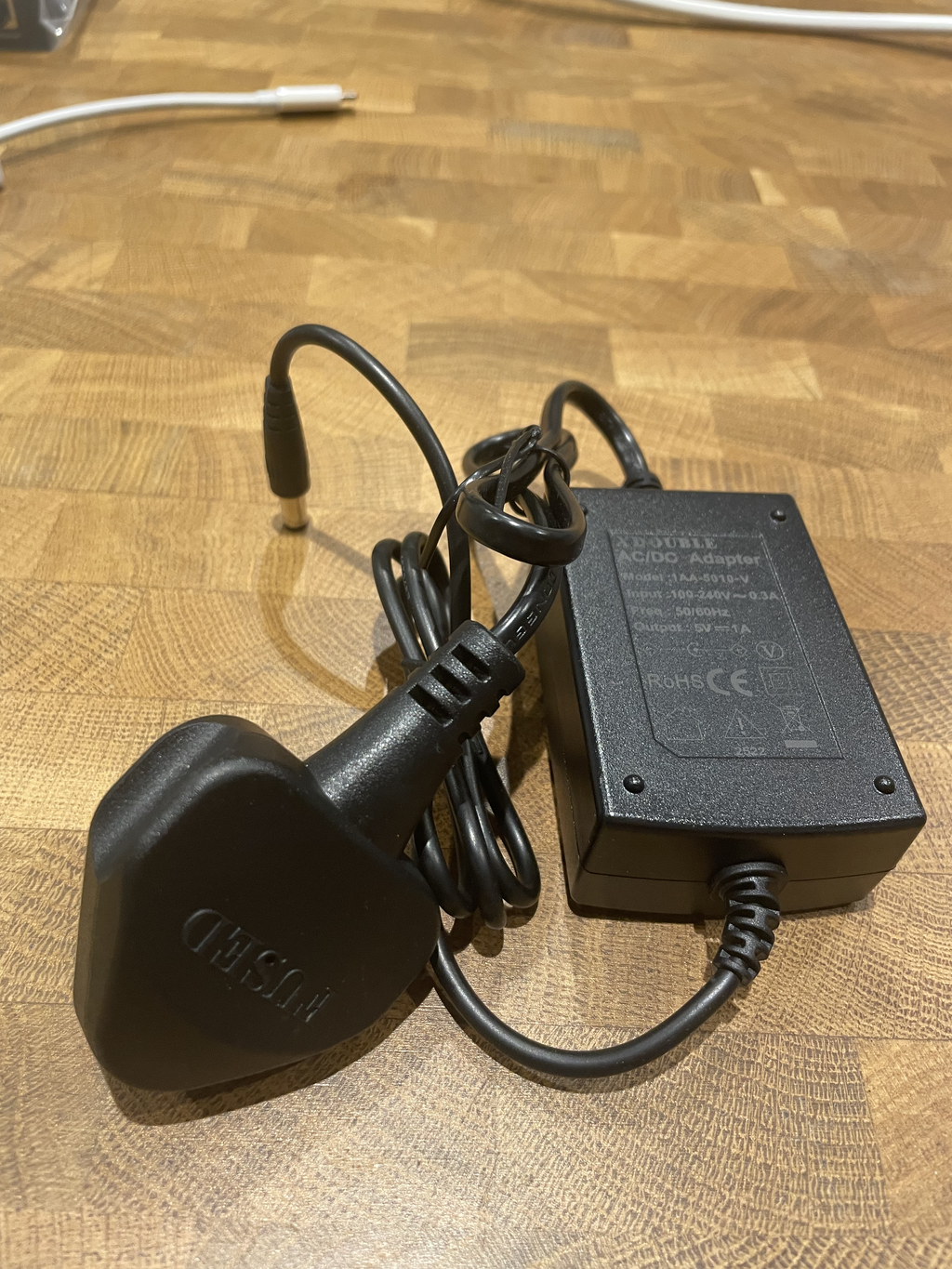
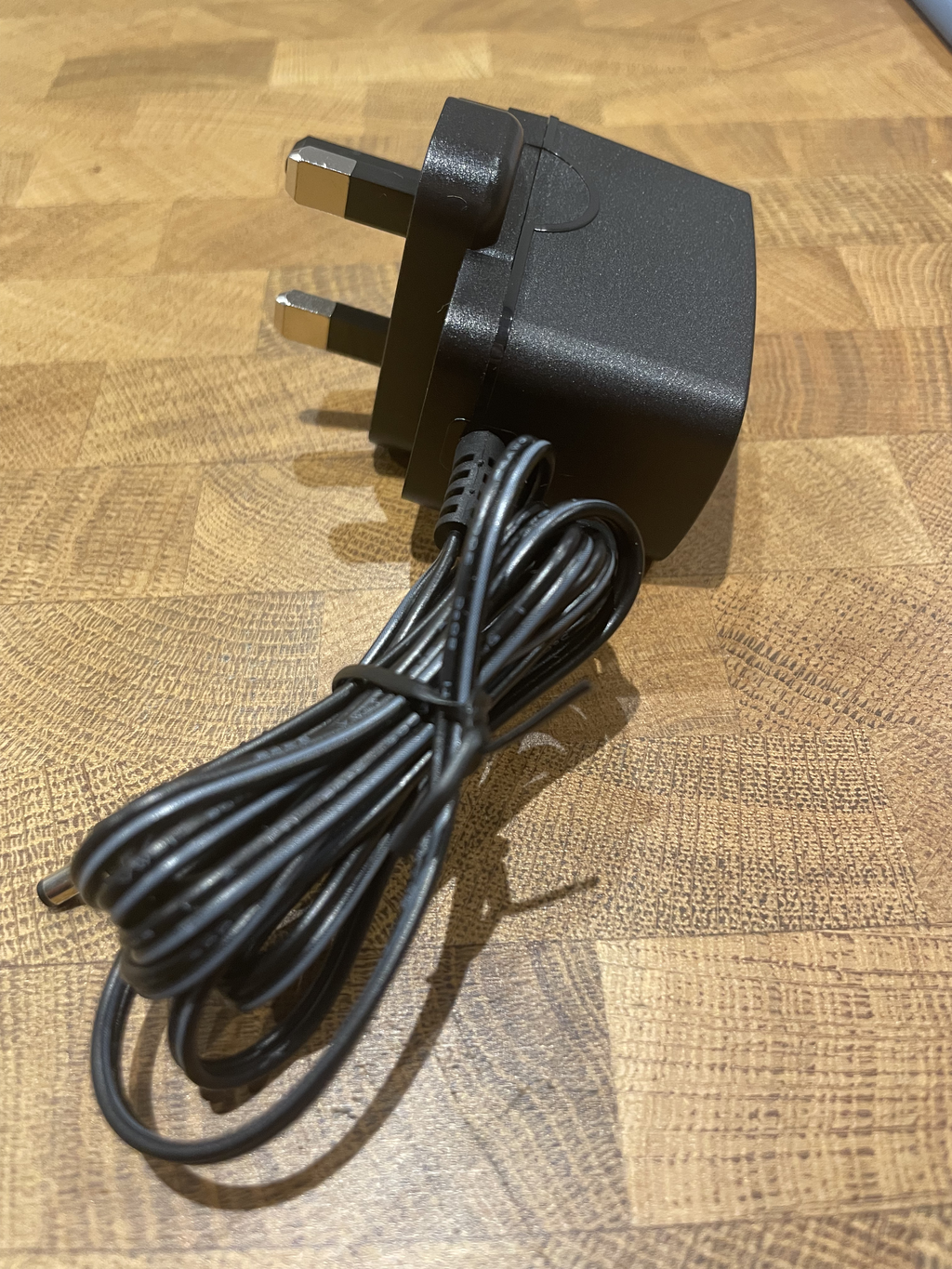
Mini Unmanaged 1x 10/100/1000Base-T RJ45 to 1x 1000Base-X SFP Gigabit Ethernet Media Converter, British Plug Standard
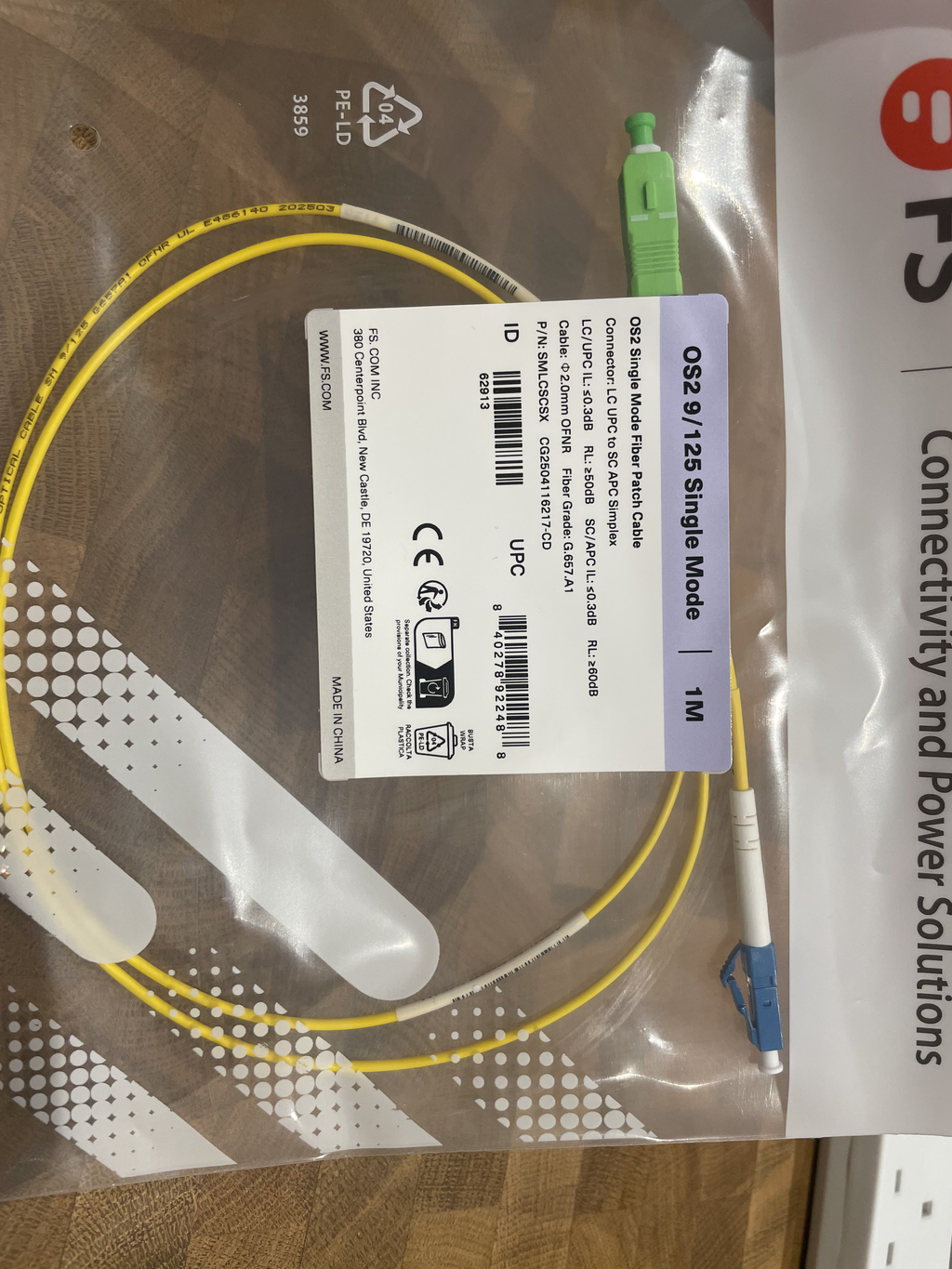
1m (3ft) Fiber Patch Cable, 1 Fiber, LC UPC Simplex to SC APC Simplex, Single Mode (OS2), Riser (OFNR), 2.0mm, Tight-Buffered, Yellow
1x: SC/APC to SC/APC Simplex Single Mode Fiber Keystone Jack
- Arrived, delivered promptly by fs.com.
Computer side
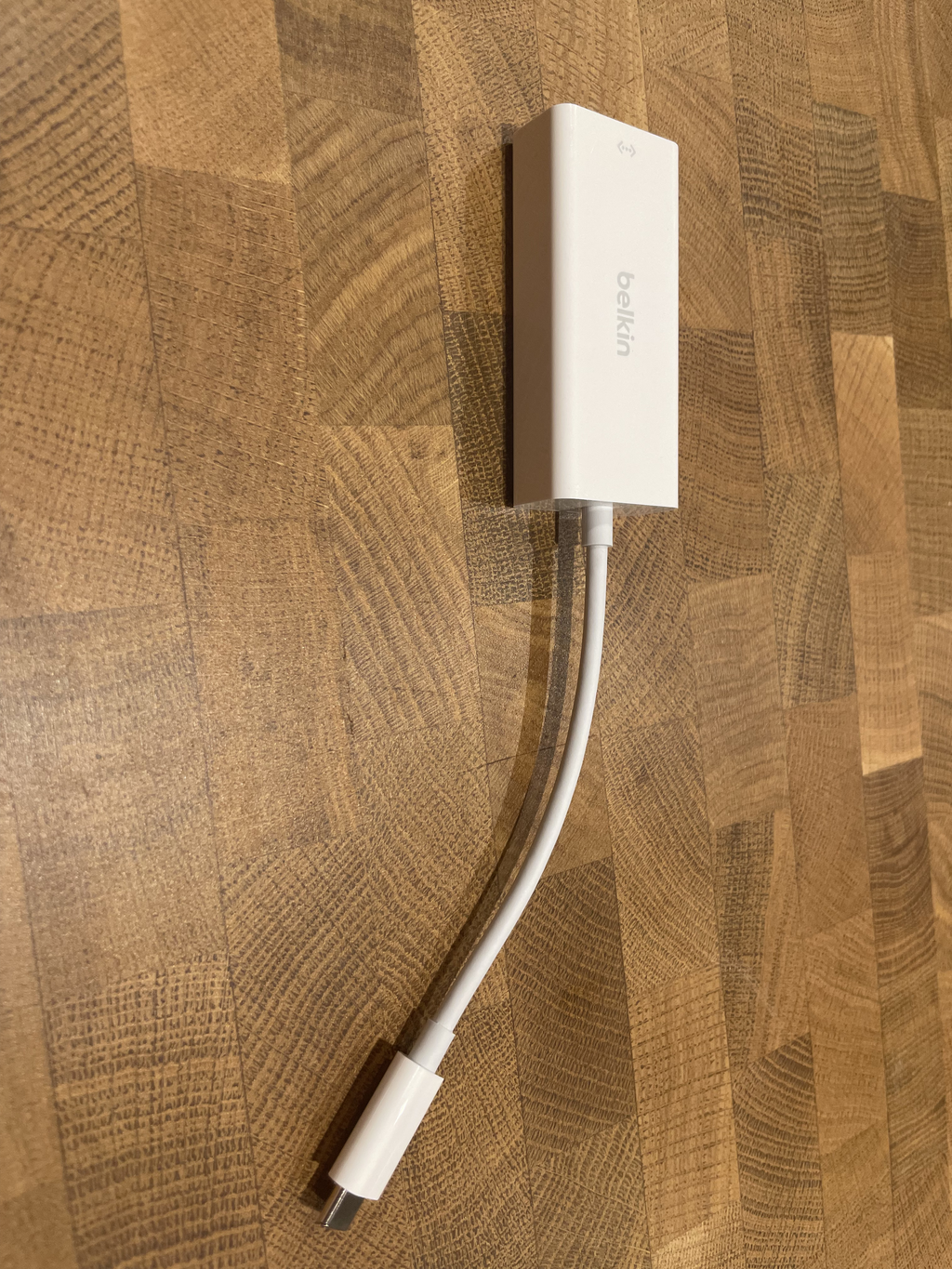
MacBooks don’t have ethernet (so brave), so I needed an adapter for it.
- Belkin USB-C to 2.5Gb Ethernet Adapter - White
- Bought from Apple.
The final result
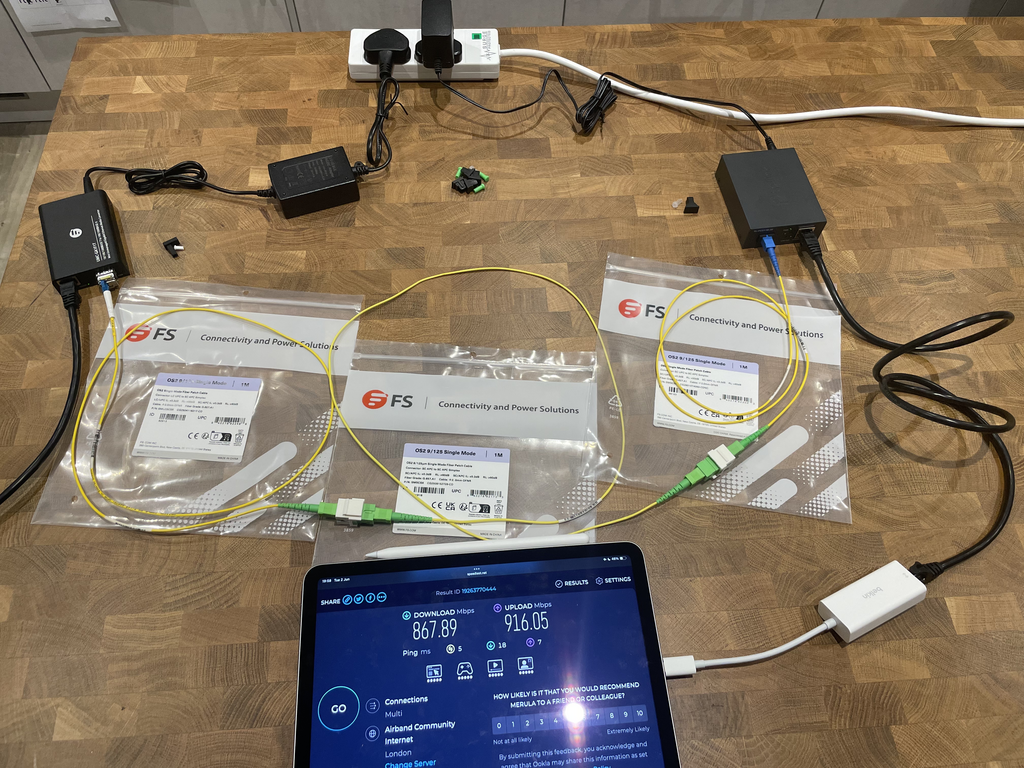
If you just want to see the final test result, here it is. For pictures of all the parts, see further down.
Whole setup
The FS media converter in action
TP-link media converter in action
Pictures of the parts
SC-APC test patch cable
FS media converter
FS power lead
TP-Link media converter
TP-Link power lead
LC UPC to AC APC patch cable
SC-AC connectors
SC-UPC to SC-APC
Both SC, but the polish differs.
Gigabit ethernet to USB-C